


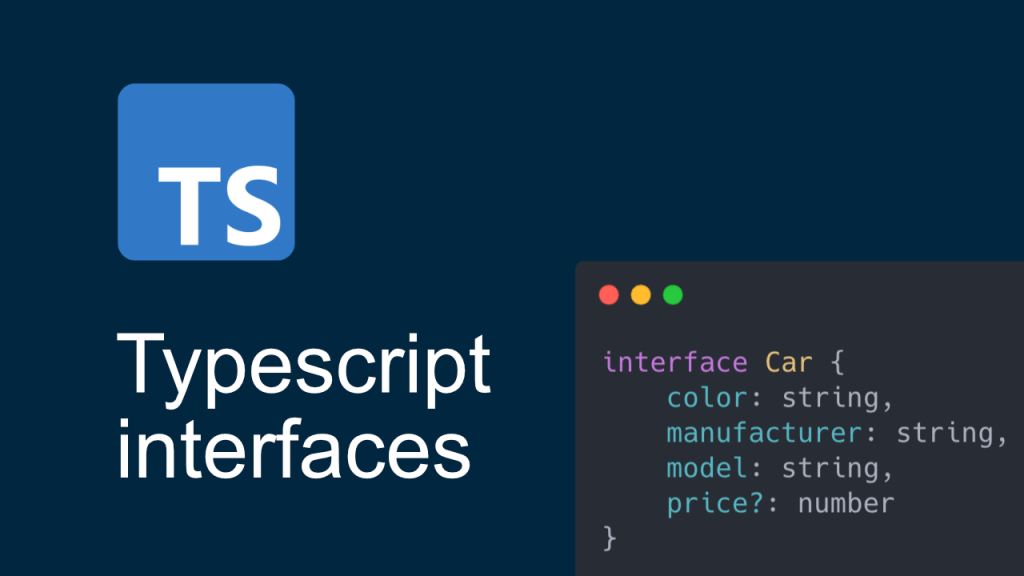
Interface
In TypeScript, you can define an interface to represent the structure of an object or class. Interfaces are often used to define the shape of objects and ensure type safety. If you want to create an interface for initialization, you can define properties that should be initialized when creating an instance of an object. Here’s an example:
Simple interface with types like string, number
interface Person {
firstName: string;
lastName: string;
age: number;
email?: string; // Optional property
}

// Example of initializing an object using the interface
const person: Person = {
firstName: "John",
lastName: "Doe",
age: 30,
email: "john@example.com"
};

console.log(person);
Interface with types like arrays, objects
interface CompanyDetails {
    company: string;
    address?: string; // Optional property '?'
    departments?: Array<string>; // Optional property '?'
    employees: Array<object>;
    projects: Array<object>;
}

const jsonData: CompanyDetails = {
    company: 'TestCompany',
    departments: ['Engineering', 'Data Science', 'Design'],
    employees: [
        {
            id: 1,
            name: 'John Doe',
            position: 'Software Engineer',
            skills: ['JavaScript', 'React', 'Node.js'],
            dob: '01/02/1990',
        },
        {
            id: 2,
            name: 'Alice Smith',
            position: 'Data Scientist',
            skills: ['Python', 'Machine Learning', 'SQL', 'Node.js'],
        },
        {
            id: 3,
            name: 'Bob Johnson',
            position: 'UX Designer',
            skills: ['Node.js', 'UI/UX Design', 'Wireframing'],
            dob: '05/02/1990',
        },
    ],
    projects: [
        {
            projectId: 'P001',
            projectName: 'E-commerce Platform',
            team: ['John Doe', 'Alice Smith'],
            status: 'In Progress',
        },
        {
            projectId: 'P002',
            projectName: 'Data Analytics Dashboard',
            team: ['Alice Smith', 'Bob Johnson'],
            status: 'Completed',
        },
        {
            projectId: 'P003',
            projectName: 'Mobile App Redesign',
            team: ['John Doe', 'Bob Johnson'],
            status: 'Planning',
        },
    ],
};











 Kannan - Portfolio and Blogs